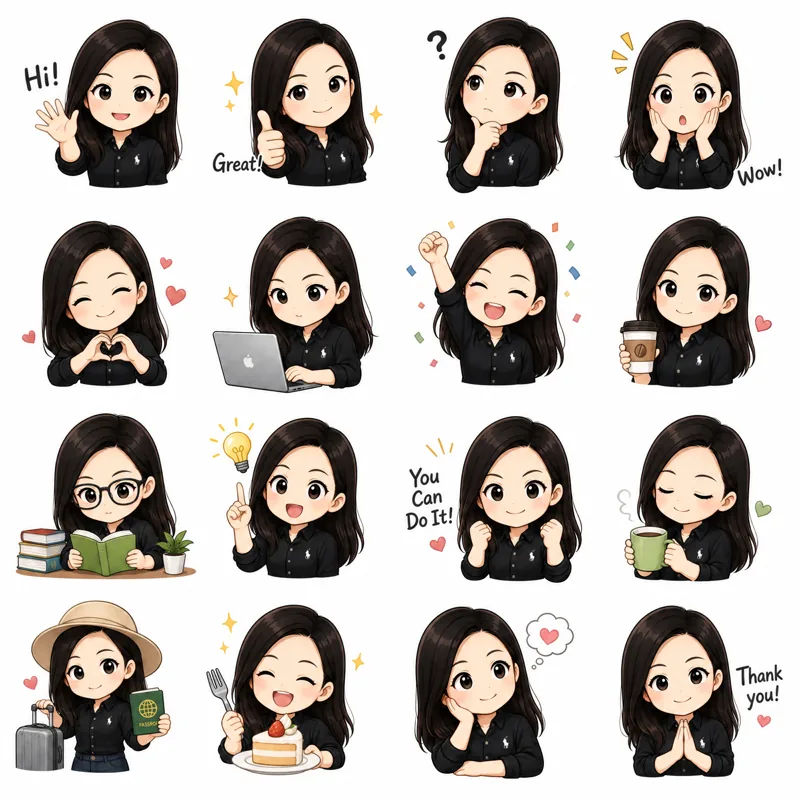
What kind of image do I drop in? +
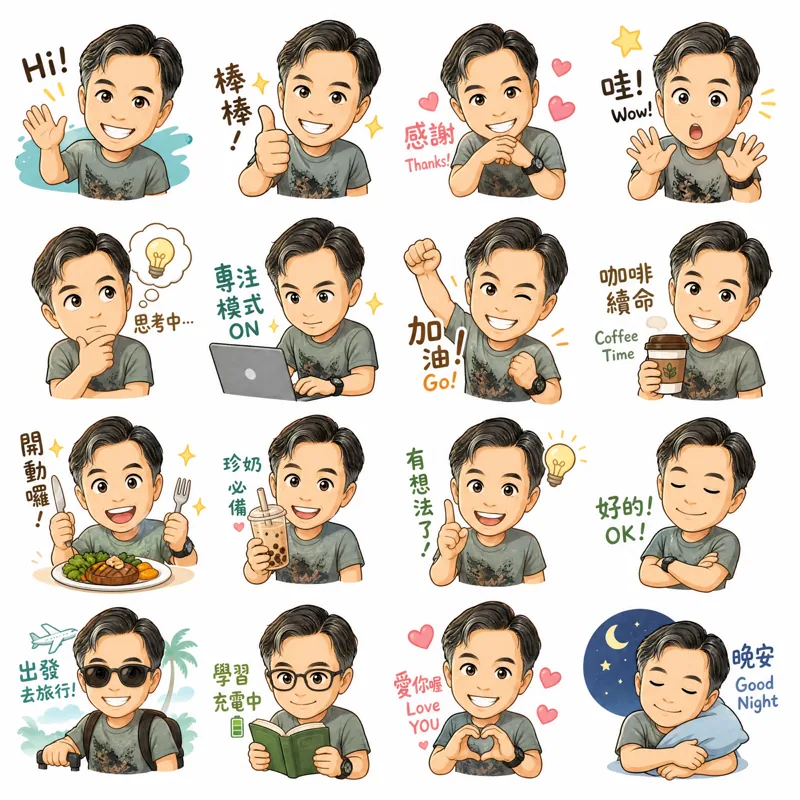
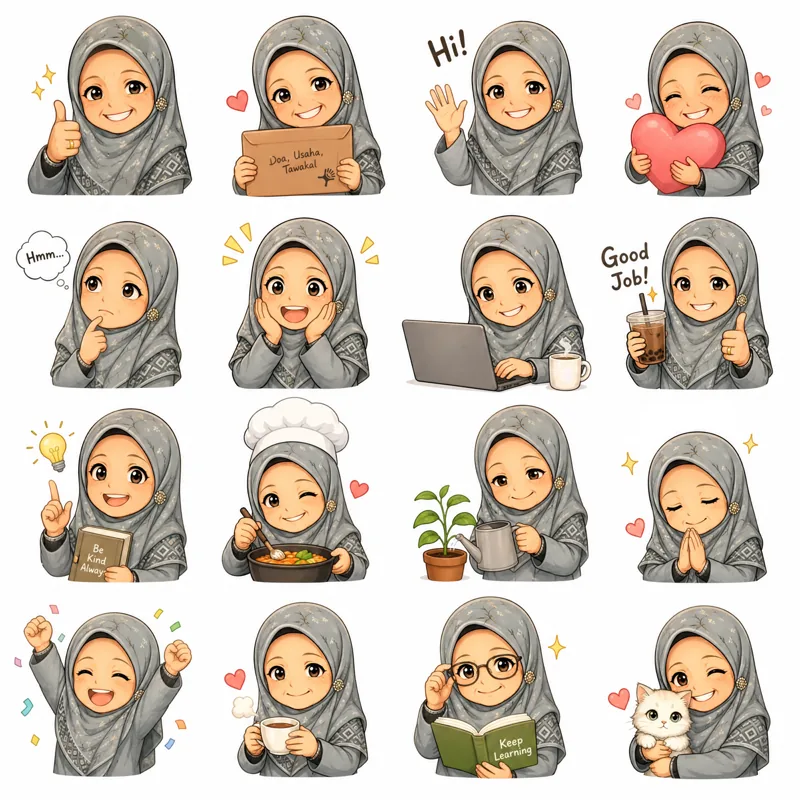
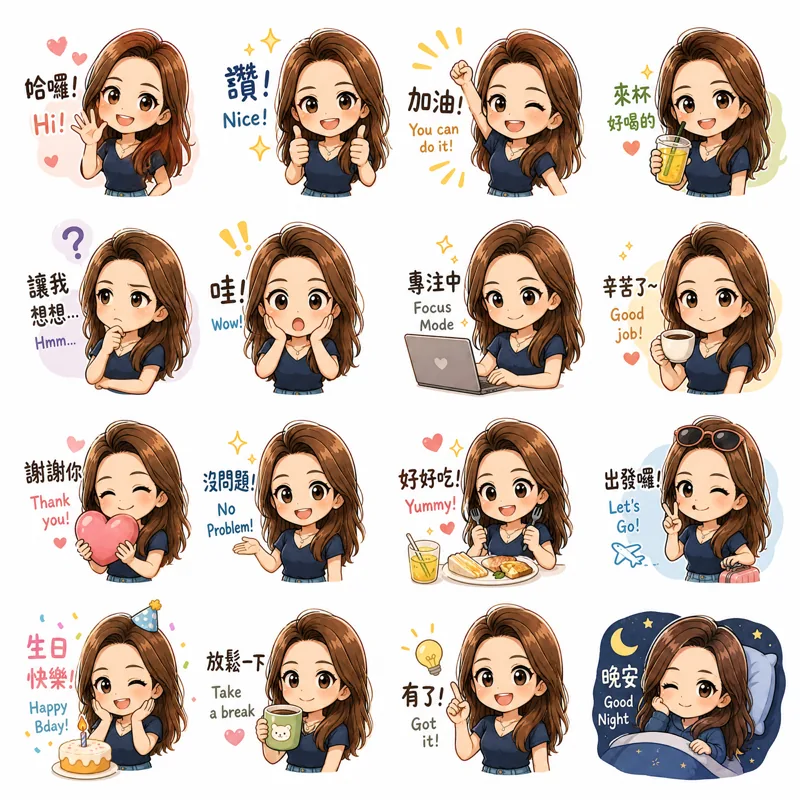
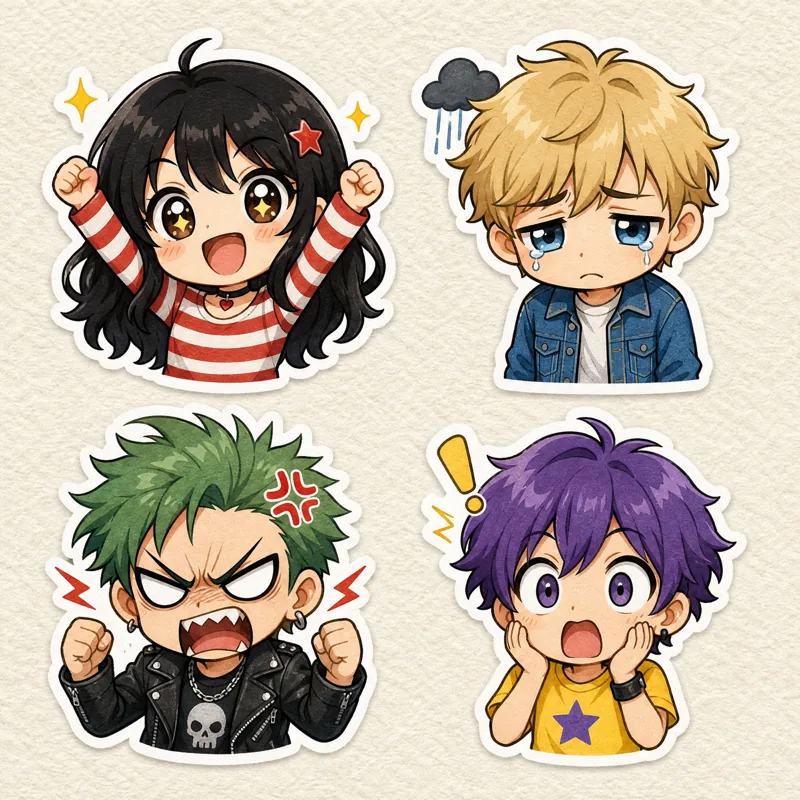
A sticker sheet. Usually 2×2, 3×3, or 4×4 stickers on a white background — the sort of thing ChatGPT or Nano Banana will spit out if you ask for one. Don't have one yet?
Use the prompt builder — pick a theme, attach a photo, paste the prompt, get a sheet back.
Does it work with non-AI images? +
Yes. Anything in a grid on a clean background. Scanned drawings, sticker templates, photo collages — all fine.
Can I make a sticker from a photo I take? +
Yes. Swipe the start button to switch to the camera. One shot, the subject gets cut out, and it skips the grid step entirely. Turn on continuous shooting and the camera stays open so you can build a whole pack in one sitting — flash, rotate and delete are all right there. If you want the untouched photo kept too, there's a Keep original photos setting under Settings → Camera.
Where does my image data go? +
Nowhere. Everything happens on your phone. Nothing gets uploaded. Full
privacy policy here.
Is there an Android version? +
Yes — GridSticker for Android is out now on
Google Play. Slicing, background removal, outlines and WhatsApp, Telegram and LINE export all work the same as on iPhone. Cutting a video into animated stickers is the one thing iOS has first; it's coming to Android in an update. More on the
Android page. iPad and Mac if there's demand.
How many stickers per pack? +
WhatsApp: 3 to 30. Telegram: 1 to 120. GridSticker enforces each platform's rules at export — keep building, then ship the same pack to either app.
Can I send the same pack to WhatsApp, Telegram and iMessage? +
Yes. Build it once, then pick where it goes. Animated packs are WhatsApp-only for now — Telegram wants a different video format I haven't gotten around to. Static packs go to any of the three.
Can I use these in iMessage? +
Yes. Pick iMessage at export and the whole pack lands in your iMessage sticker drawer in one tap, the same as sending it to WhatsApp. Nothing to import and no adding tiles one at a time. Open any conversation, tap the sticker drawer, and it's there.
Can I make animated stickers? +
Two ways. Have your sticker sheet animated into a clip and drop that video in, or drop a sheet where each frame is on its own row or column and line them up with onion-skin. Either way you get the same slice-and-send flow as a still pack. WhatsApp caps animated packs at 500 KB, so if your pack runs heavy GridSticker will quietly drop frames or dial quality down to fit.
What kind of video can I cut into stickers? +
The one you get back from animating a sticker sheet. Build a 4×2 sheet, run it through Veo, Sora or Kling so all eight cells move at once, and you get a single clip — that's what you drop in. GridSticker cuts it into one animated sticker per cell, the same job as slicing a still sheet: same import button in both Quick and Advanced, trim to the part you want, then set the frame rate per sticker rather than once for the whole pack. The
animated sticker builder writes both prompts for you. Animated packs are WhatsApp-only for now.
What if the auto grid detection gets it wrong? +
Drag the dividers around. Each row and column moves independently, so even a wonky or off-centre sheet still slices clean. The cols/rows pills are right under the image.
One sticker came out wrong. Can I fix just that one? +
Yes. Tap into the tile and fiddle: outline width, tolerance, or grab the erase brush for stray pixels. The other tiles don't move.
Can I use this for my Cricut? +
Yes — and the white outline is what makes it work. Generate or scan your sticker sheet, run it through GridSticker, then export the hi-res PNGs to Photos. Drop those into Cricut Design Space as Print-then-Cut images. The clean white border gives Cricut's blade something definite to follow, so you get crisp die-cuts instead of ragged edges. Adjust the stroke width to match the bleed your sticker paper needs.
WhatsApp said "Error 1000" when I tried to add the pack. +
Tap export again. It usually goes through on the second try. This is a flaky handoff thing on WhatsApp's side, not a problem with your pack — if a third try doesn't work, force-quit WhatsApp and try once more.